

A minimalist home office desk is defined as a workspace where every object earns its place, and nothing competes for your attention. This approach, formally called intentional workspace design, reduces cognitive load and sharpens focus by eliminating visual noise. Visual clutter reduces cognitive performance by up to 20% and raises stress levels. That single fact explains why so many remote workers are rethinking their desks from the surface up. The right combination of size, material, ergonomics, and organization creates a setup that looks good and performs even better.
What defines a style minimalist home office desk?
The desk itself is the foundation. Get the size wrong and every other decision falls apart. A 48-inch wide desk is the sweet spot for minimalism. It gives you enough room for a monitor, keyboard, and one or two accessories without inviting clutter to accumulate. Pair that with a depth of around 24 inches and the desk stays proportional in most home office rooms.
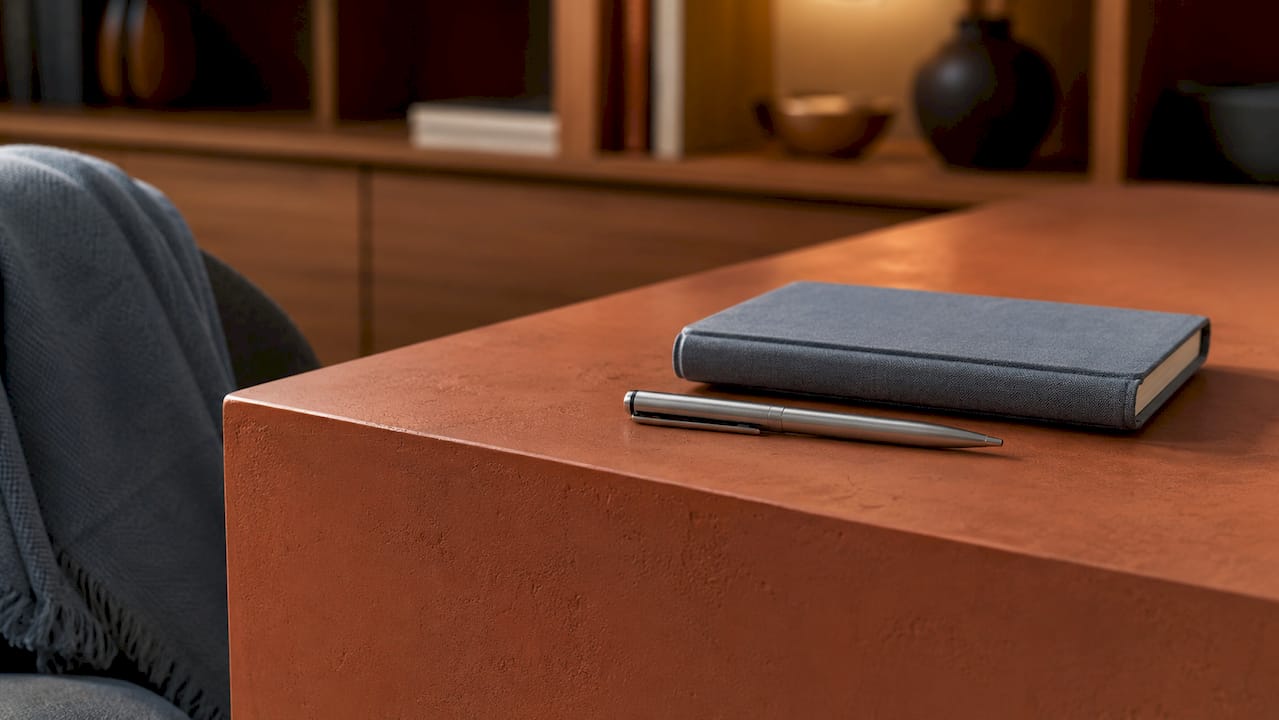
Material and color choices carry equal weight. Minimalist desk design favors surfaces that recede visually rather than demand attention.
- Pale oak and light wood veneers add warmth without heaviness. They work especially well in rooms with natural light.
- Matte lacquered surfaces in white or off-white eliminate glare and keep the eye calm. Benjamin Moore’s Chantilly Lace is a reliable benchmark color for this effect.
- Thin profiles and hairpin or tapered legs signal lightness. Bulky aprons and visible hardware break the clean line immediately.
- No built-in hutches or overhead cabinets on the desk itself. Storage belongs elsewhere, not stacked above your sightline.
The finish you choose also affects how the desk ages. A matte or satin finish hides minor scratches better than high gloss, which shows every mark. The Alto Home’s wood finish options cover the full range from raw oak to lacquered white, so you can match the surface to your room’s existing palette without guessing.
Color on the walls matters too. Neutral paint colors like Sherwin Williams’s Snowbound and Backdrop’s Mannequin create a calming backdrop that lets the desk breathe. A busy wallpaper or saturated accent wall behind the desk works against the entire concept.
How do ergonomic principles fit a minimalist setup?
Ergonomics and minimalism are not in conflict. They reinforce each other when you choose the right tools. OSHA ergonomic guidelines recommend keeping elbows at a 90–110 degree open angle during keyboard use. Achieving that angle without a monitor arm or keyboard tray usually means stacking books or improvising, both of which destroy a clean desk surface.
The right accessories solve this without adding visual bulk:
- Monitor arms lift the screen off the desk entirely, freeing the surface and placing the monitor at exact eye height.
- Pull-out keyboard trays mount under the desk, keeping the keyboard off the surface when not in use.
- Sit-stand desks let you shift posture throughout the day without adding any objects to the surface. The Alto Home’s adjustable height desks are built specifically for this kind of flexible, health-conscious setup.
- Ergonomic chairs with lumbar support are non-negotiable for long sessions. The chair does not need to look minimal. It needs to support your spine.
Pro Tip: Route every cable through a single under-desk cable spine before it reaches the power strip. One bundled cable is invisible. Six loose cables are not.
Proper ergonomic positioning prevents musculoskeletal strain during long work sessions. That benefit compounds over months and years. A desk that looks beautiful but forces you into a hunched posture will cost you in physical discomfort long before it costs you in aesthetics. Prioritize the body first, then refine the look around it. The Alto Home’s negative space guide covers how to arrange peripherals without crowding the surface.
How to keep your desk looking minimal every day
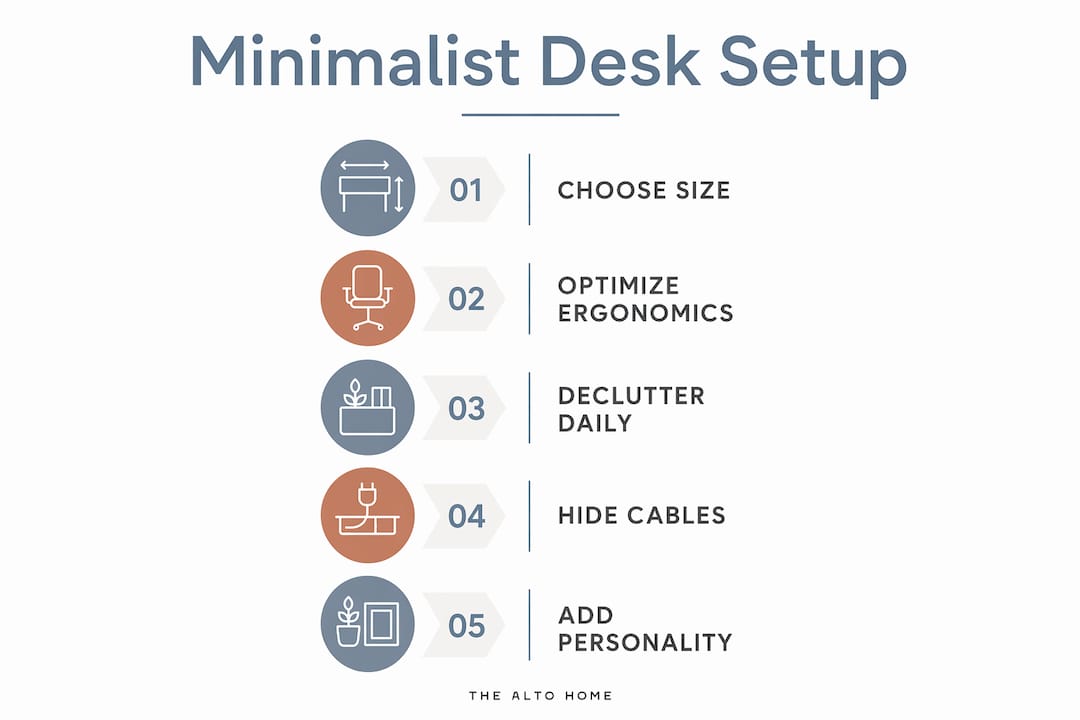
A clean desk on day one is easy. Keeping it clean on day 90 requires a system. Three principles make that sustainable.
The 70% Rule
Keeping at least 70% of the desktop clear is the single most effective rule for maintaining a minimalist workspace. That means on a 48-inch desk, roughly 34 inches of surface stays empty at all times. The remaining 30% holds your monitor, keyboard, and one or two intentional objects. Nothing else.
The Clear-to-Neutral habit
Resetting your desk at the end of each day prevents overnight accumulation from becoming permanent clutter. The habit takes under two minutes. Everything that arrived on the desk during the day either gets filed, stored, or discarded before you close your laptop. You return to a blank surface every morning.
Verticality and cable invisibility
- Use a monitor riser or arm to lift the screen and create storage underneath for a small notebook or wireless charger.
- Mount a pegboard on the wall above or beside the desk for headphones, a small plant, or a notepad. The wall holds the items. The desk stays clear.
- Run cables through under-desk trays or adhesive clips so no cord touches the visible desk surface.
- Switch to wireless peripherals where possible. A wireless keyboard and mouse eliminate two of the most common cable offenders.
- Use a single USB-C hub to consolidate connections into one point rather than multiple adapters scattered across the surface.
Vertical storage solves the conflict between a clean look and day-to-day functionality. The desk surface is for working. The wall and the space beneath the desk are for everything else.
Pro Tip: Apply the 3P Rule when adding personality: one plant, one picture, and one painting or print. Three objects with intention add warmth without noise. The 3P Rule keeps minimalist spaces from feeling sterile.
The Alto Home’s guide on desk accessories and focus explains which objects genuinely support output and which ones just look good in photos.
What mistakes do people make with minimalist desk setups?
Most minimalist desk setups fail in one of five predictable ways.
| Common Mistake | Recommended Fix |
|---|---|
| Buying a desk that is too large | Stick to 48 inches wide. Larger surfaces fill up fast and invite clutter accumulation. |
| Choosing a visually minimal but ergonomically poor chair | Prioritize lumbar support and adjustability first, then find a chair that fits the aesthetic. |
| Using a bulky floor lamp on or near the desk | Switch to a monitor light bar for focused, non-intrusive light that reduces eye strain without taking up surface space. |
| Leaving cables unmanaged | Use under-desk trays, adhesive clips, and a single USB-C hub to consolidate all connections. |
| Designing a sterile, personality-free space | Add one natural element, one piece of art, and one warm light source to create a space you actually want to sit in. |
Small spaces present their own version of these problems. A fold-down wall desk or a corner desk with a floating shelf above it solves the square footage problem without forcing you to choose between function and aesthetics. The key is mapping out work, storage, and movement zones before buying anything. Furniture chosen without a zone plan almost always ends up in the wrong place.
Ambient and bias lighting create a focused atmosphere without adding bulk to the desk. A monitor light bar sits on top of the screen and casts light downward onto the surface. It replaces a desk lamp entirely and frees up the surface real estate a lamp base would otherwise occupy.
Key Takeaways
A minimalist home office desk works best when size, ergonomics, and daily habits combine to keep the surface clear and the body supported.
| Point | Details |
|---|---|
| Desk size sets the ceiling | A 48-inch wide, 24-inch deep desk limits clutter while providing enough room for core tools. |
| Material and color reduce distraction | Pale oak, matte white surfaces, and neutral wall colors like Chantilly Lace create a visually calm workspace. |
| Ergonomics belong inside the design | Monitor arms, keyboard trays, and sit-stand desks support posture without adding surface clutter. |
| The 70% Rule is non-negotiable | Keep at least 70% of the desk surface clear at all times to protect cognitive performance. |
| Daily habits sustain the aesthetic | A Clear-to-Neutral reset each evening prevents clutter from becoming permanent. |
Why minimalism at the desk is harder than it looks
Kevin O’Gara shares his perspective.
The hardest part of a minimalist desk setup is not the initial edit. It is the discipline required on day 31, when the stack of papers returns and the charger cable migrates back to the surface. I have redesigned my own workspace three times, and each time the setup looked perfect for about two weeks before reality crept back in.
What actually worked for me was accepting that minimalism is a practice, not a destination. I stopped trying to achieve a perfect desk and started building habits around it. The Clear-to-Neutral reset changed everything. Two minutes at the end of the day keeps the surface honest.
The ergonomic piece surprised me most. I resisted a proper monitor arm for months because I thought it would look industrial. When I finally installed one, it freed up more surface space than any other single change. The desk looked cleaner, not more cluttered. That counterintuitive result taught me to test assumptions before dismissing tools on aesthetic grounds.
The other lesson: accept one ergonomic compromise. Your chair will probably not be the most visually minimal object in the room. That is fine. A chair that hurts your back after two hours will cost you far more than a slightly bulky silhouette ever will. Buy the support, then build the aesthetic around it.
— Kevin O’Gara
The Alto Home desks built for this approach
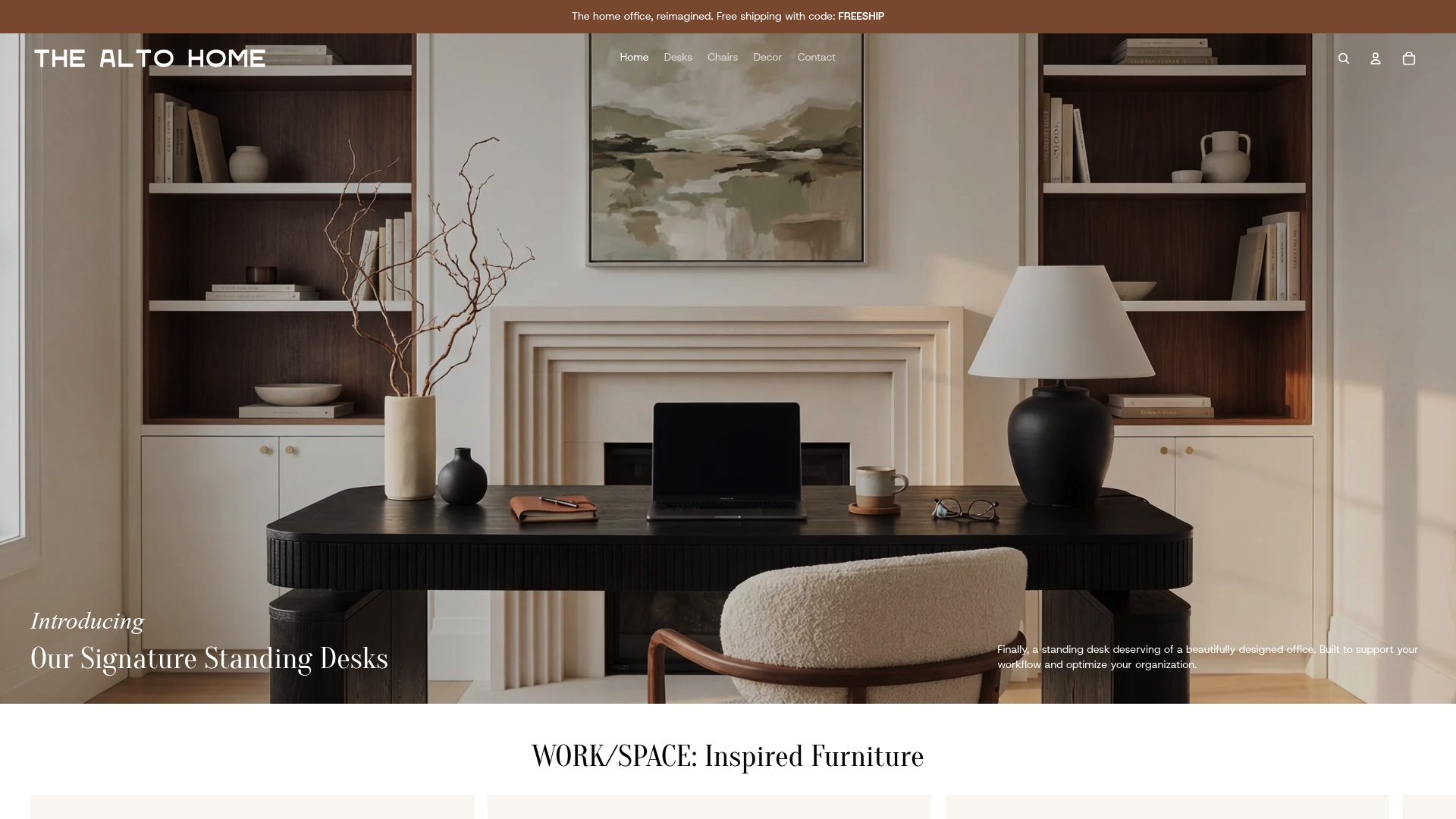
The Alto Home designs standing desks specifically for remote workers who want both beauty and function at the same address. The Greenwich Rotating Wood Standing Desk combines warm wood tones with height adjustability, so the surface stays clean and the posture stays healthy. The Gramercy Fluted Wood Standing Desk brings a refined texture to the minimalist palette without adding visual weight. For seating, The Alto Home’s modern office chairs pair ergonomic support with clean lines that hold up in a minimal room. Each piece is designed to earn its place on the desk and in the room.
FAQ
What is the best desk size for a minimalist home office?
A desk that is 48 inches wide and 24 inches deep is the most effective size for minimalism. It provides enough surface for core tools while limiting the space available for clutter to accumulate.
How do I keep cables hidden on a minimalist desk?
Use under-desk cable trays, adhesive clips, and a single USB-C hub to consolidate all connections into one point. Switching to wireless peripherals removes the most common cable sources entirely.
Does a minimalist desk setup have to look cold or sterile?
No. The 3P Rule, adding one plant, one picture, and one painting, brings warmth and personality to a minimal space without creating visual noise.
What is the 70% Rule for desk organization?
The 70% Rule means keeping at least 70% of the desk surface clear at all times. Research shows that visual clutter reduces cognitive performance by up to 20%, so an open surface directly supports focus.
Can I have an ergonomic setup and still achieve a minimalist look?
Yes. Monitor arms, pull-out keyboard trays, and sit-stand desks all improve posture while freeing up surface space. Ergonomic tools, when chosen carefully, make a desk look cleaner, not busier.
