

Presenting home office furniture to clients is the professional skill of translating workspace needs into clear, design-led proposals that drive confident buying decisions. Done well, it combines ergonomic knowledge, visual storytelling, and structured conversation to move clients from interest to commitment. The industry term for this process is “design concept presentation,” and the most effective practitioners treat it as a client problem-solving exercise, not a product showcase. This article covers the preparation, structure, and follow-up techniques that separate forgettable pitches from proposals clients say yes to.
How to present home office furniture to clients: preparation that wins
Preparation is the single biggest predictor of a successful client presentation. Clients read disorganization as a signal that you will deliver the same in their workspace.
Start by gathering three things before any meeting: a clear picture of the client’s goals, a set of visual materials, and a technology setup that works without friction. Goal discovery means asking direct questions about how the client works, what frustrates them about their current setup, and what “done” looks like to them. Without this, you are guessing.
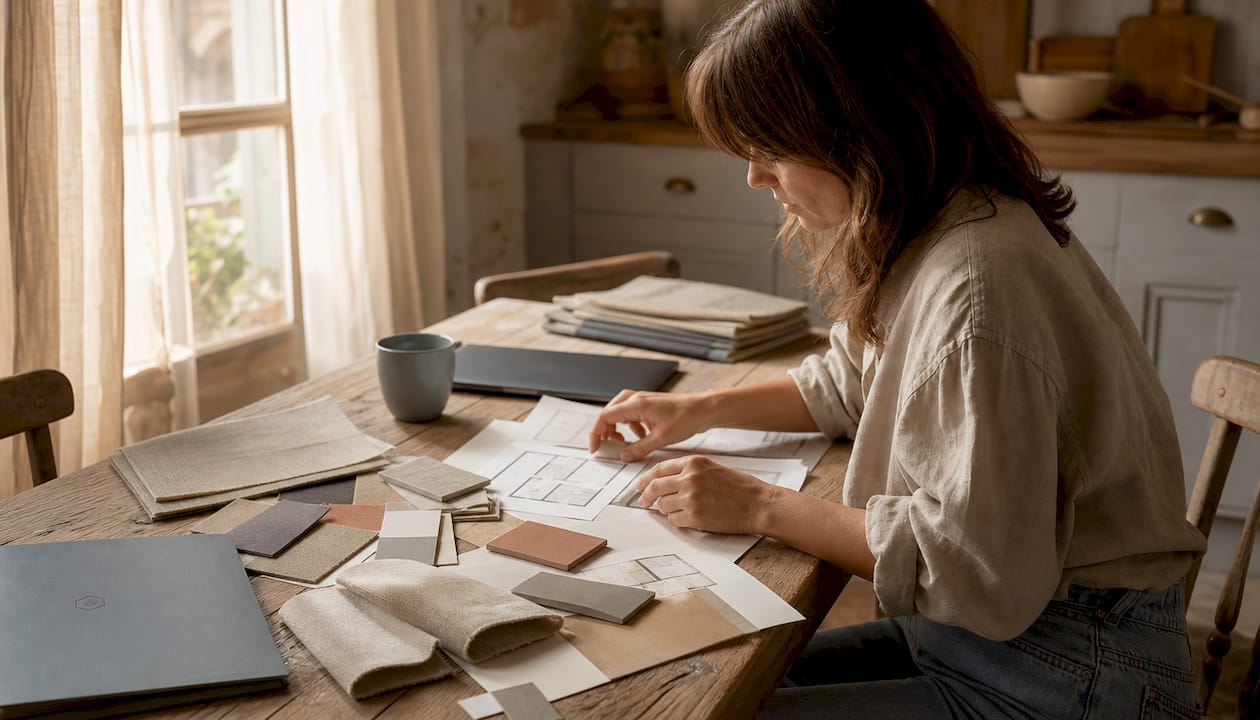
Visual materials should include mood boards, scaled floor plans, and physical or digital product samples. Mood boards communicate aesthetic direction faster than words. Floor plans show clients exactly where a 48-inch desk fits relative to windows, doors, and traffic flow. That width is the standard recommendation for a laptop-and-single-monitor configuration, and showing it on a plan removes the client’s need to imagine it.
Modern presentation platforms cost around $29/month and let you share organized schedules with images, dimensions, prices, and real-time approval tools. That capability speeds client decision-making because everything lives in one place instead of scattered across email threads.
Pro Tip: Test your camera angle before every client call. Eye level is the professional standard. A camera pointed upward from a laptop on a desk reads as unprepared and subtly undermines your authority.
Your technology checklist should cover four points:
- Camera positioned at eye level
- Lighting source in front of you, not behind
- Stable internet connection confirmed at least 10 minutes before the call
- Background that is tidy and reflects the aesthetic you are recommending
How should you structure a home office furniture presentation?
The structure of your presentation determines whether clients feel guided or overwhelmed. A clear narrative arc keeps them engaged and reduces the back-and-forth that stalls decisions.
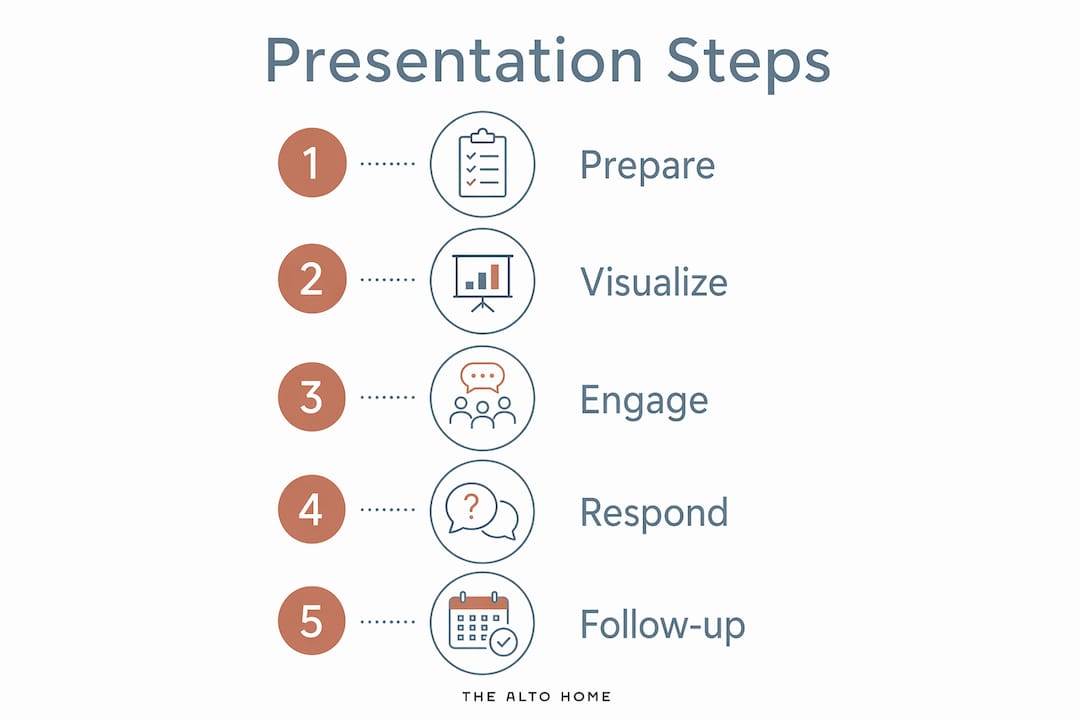
Effective presentations open by restating the client’s goals in your own words. This single move builds immediate trust. It signals that you listened, and it anchors every product recommendation that follows to something the client already cares about.
From there, walk clients through the space as if they are already living in it. Describe the morning routine: the desk height adjusting as they sit down, the monitor at eye level, the chair supporting their lower back through a long call. Storytelling converts abstract furniture specs into felt experience. Clients buy the experience, not the spec sheet.
“The goal of a furniture presentation is not to show what you know. It is to show clients what their work life could feel like. Every product you present should answer one question: does this solve their problem?”
Structure the product section using this sequence:
- Present one hero concept. Lead with your strongest, most complete recommendation. This is the setup you believe solves the client’s core problem.
- Offer measured alternatives. Limiting options to a hero concept plus two alternatives minimizes decision fatigue and keeps you in control of the narrative.
- Label everything clearly. Every piece of furniture should have a name, material, dimension, and price visible without the client needing to ask.
- Pause for questions after each concept. Do not present all three options and then open the floor. Pause after each one. This keeps the conversation focused.
Clients with no design background often struggle to visualize finished spaces. Use plain language. Say “warm walnut wood” instead of “FSC-certified American black walnut in a medium-brown stain.” The first phrase creates a picture. The second creates confusion.
What multi-sensory techniques make furniture presentations more persuasive?
The most persuasive presentations engage more than one sense. Clients who can see and touch a material make faster, more confident decisions.
Pairing physical samples with digital visuals reduces the cognitive load of imagining finishes. If you are presenting remotely, mail a small sample kit before the call. A swatch of fabric, a wood veneer chip, and a paint card take minutes to prepare and dramatically change how clients engage with your digital presentation. They stop imagining and start reacting.
Your own workspace matters as much as the materials you present. A home office presented as a system, with standardized lighting, a clean background, and ergonomic equipment, signals reliability. Clients notice. When your setup looks like the outcome you are promising them, your credibility rises without a word being said.
Ergonomics also affect how you come across on camera. Poor ergonomics cause subconscious fidgeting during calls, and clients interpret that movement as distraction or discomfort. A high-back chair with armrests eliminates the problem. The Felix Upholstered Desk Chair from The Alto Home is one example of a chair designed to hold posture through long meetings without looking clinical.
Pro Tip: Position a single warm light source at face level and slightly to one side. This creates depth and makes you look engaged. Overhead lighting flattens your face and reads as unprofessional on camera.
Key elements of a multi-sensory setup:
- Physical samples mailed or brought to in-person meetings
- Warm, directional lighting that matches the aesthetic you are recommending
- A desk surface wide enough to hold materials without clutter
- A chair that keeps you still and upright through the full presentation
The role of desk accessories in this system is underestimated. A cable tray, a monitor riser, and a small plant do not just look good. They show clients a finished, functional workspace rather than a work in progress.
How do you handle client questions and keep momentum after a presentation?
Client questions are not obstacles. They are signals about where the client’s confidence is lowest. Your job is to read the signal and respond to the underlying concern, not just the surface question.
Separate two types of feedback before you respond. Preference-based feedback sounds like “I’m not sure about that color.” Strategic feedback sounds like “I need this desk to work for video calls and storage.” Preference feedback is negotiable. Strategic feedback shapes the entire proposal. Treating them the same wastes time and erodes trust.
Follow this sequence to manage post-presentation momentum:
- Summarize decisions made during the call. Do this verbally before you hang up. It confirms alignment and prevents misremembering.
- Send a written follow-up within 24 hours. Timely follow-up documents keep client momentum and trust by summarizing decisions and next steps. A follow-up sent three days later loses the energy of the meeting.
- Include one clear next step. Not a list of options. One step. “Please confirm your preferred desk finish by Friday” is more effective than “Let me know what you think.”
- Limit revision rounds. State upfront that the proposal includes one round of revisions. This protects your time and signals that your recommendations are considered, not casual.
Clients who feel heard and informed move faster. Clients who feel confused or pressured stall. The difference is almost always in how you structure the conversation after the presentation ends.
Key Takeaways
Presenting home office furniture to clients requires preparation, a clear narrative structure, multi-sensory materials, and a disciplined follow-up process to move clients from interest to decision.
| Point | Details |
|---|---|
| Prepare before every meeting | Gather client goals, visual materials, and a tested technology setup before the call starts. |
| Open with client goals | Restate the client’s priorities first to build trust and anchor every product recommendation. |
| Limit options to reduce fatigue | Present one hero concept plus two alternatives to keep clients focused and decisions moving. |
| Use physical samples remotely | Mail material swatches before video calls to reduce cognitive load and speed client decisions. |
| Follow up within 24 hours | Send a written summary with one clear next step to maintain momentum after the presentation. |
What I have learned about client expectations in furniture presentations
Clients do not come to a furniture presentation wanting to be educated. They come wanting to feel understood. That shift in framing changed how I approach every meeting.
Early in my experience with workspace design, I led with product features. I talked about wood grades, weight capacities, and adjustment ranges. Clients glazed over. The moment I started opening with “Here is what I heard you say you need, and here is how this setup solves it,” the energy in the room changed completely. The furniture became evidence for a conclusion the client had already reached, not a pitch they needed to evaluate.
The other lesson I keep returning to is that your own setup is your most persuasive sales tool. When you present from a well-lit, organized desk with a quality chair, you are not just showing professionalism. You are showing the client what the outcome looks like in practice. The Gramercy Fluted Wood Standing Desk from The Alto Home, for example, reads as both designed and functional on camera. That combination does more selling than any slide deck.
Clients are also getting better at spotting generic advice. They have watched enough video calls to know when a setup is intentional and when it is improvised. The professionals who win repeat business are the ones who treat their own workspace as a permanent demonstration of their expertise. That means investing in stylish office furniture alternatives that photograph well and hold up under scrutiny.
— Kevin O’Gara
The Alto Home desks that make your presentations work harder
A well-chosen desk does two jobs at once: it supports your work and it shows clients what good design looks like in a real space.
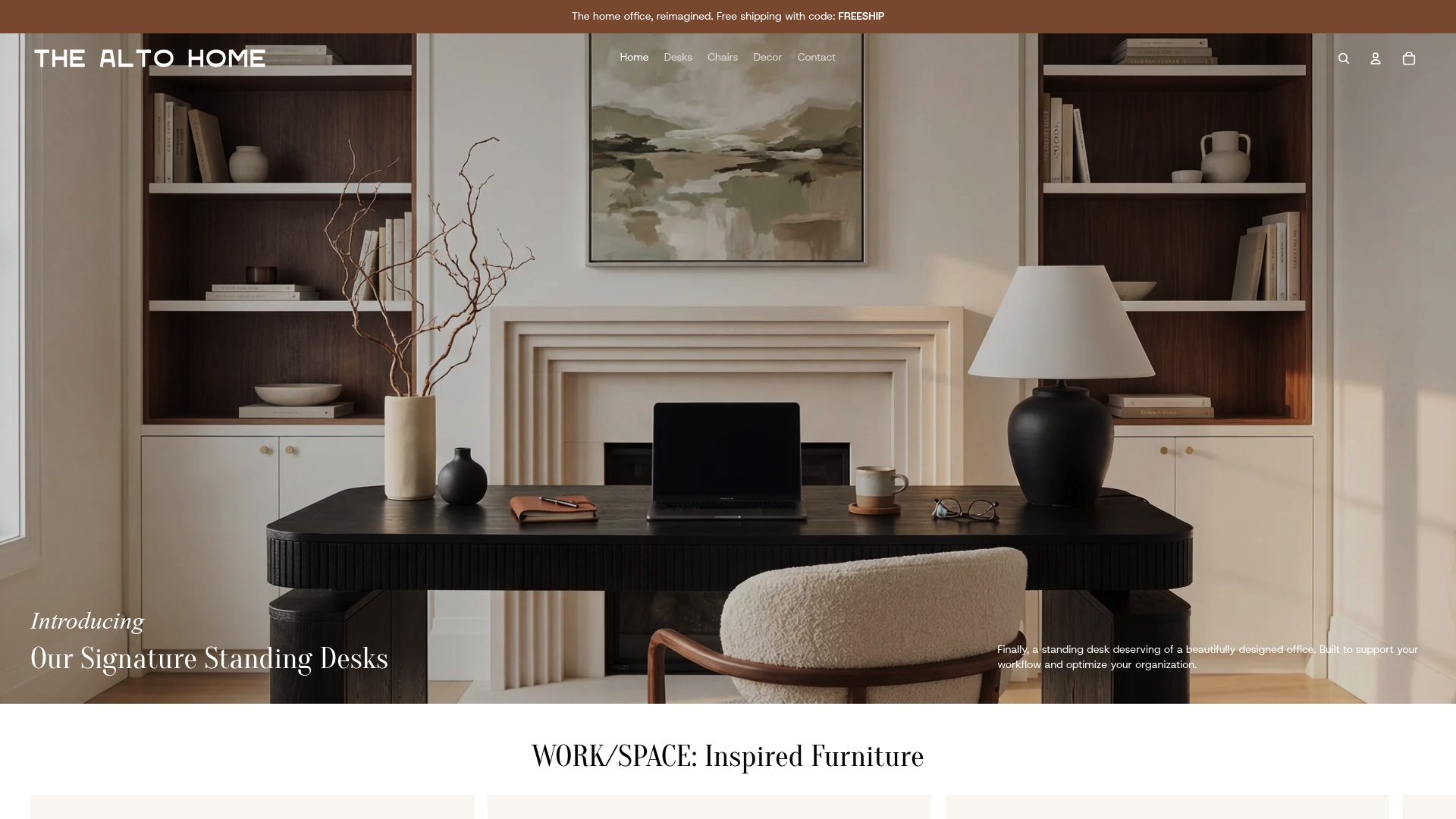
The Alto Home builds standing desks that hold up in both roles. The Tribeca Mid-Century Wood Standing Desk and the Greenwich Rotating Wood Standing Desk combine adjustable height with wood finishes that read as intentional and polished on camera. Both desks suit the kind of client-facing setup that signals you practice what you recommend. Browse The Alto Home’s full modern home office furniture collection to find the desk that fits your presentation environment and your client’s aesthetic goals.
FAQ
How do you start a home office furniture presentation?
Open by restating the client’s goals in your own words before showing any products. This builds trust and frames every recommendation as a direct response to what the client told you.
How many furniture options should you show a client?
Present one hero concept plus two measured alternatives. Limiting options to three or fewer reduces decision fatigue and keeps the presentation moving forward.
What is the best desk width for a professional home office setup?
A 48-inch wide desk surface is the standard recommendation for a laptop-and-single-monitor configuration that maintains a professional presence on video calls.
How soon should you follow up after a furniture presentation?
Send a written summary within 24 hours. Timely follow-up documents keep client momentum by confirming decisions and stating one clear next step.
Why does your own workspace matter during a client presentation?
Your setup functions as a live demonstration of your expertise. A standardized, ergonomic home office with consistent lighting and a clean background signals reliability and reinforces the quality of your recommendations.
